
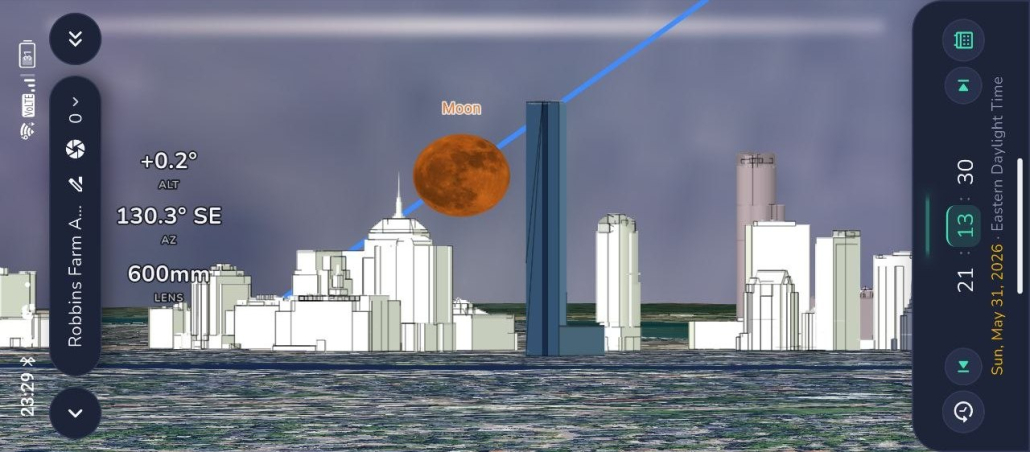
Description
Master PlanIt Earth
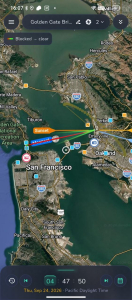
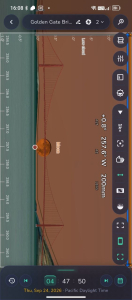
Plan on the desktop. Polish it in the field.
For years I have taught PlanIt! Pro live. This is not that workshop packaged up on a hard drive.
This is a new on-demand course for PlanIt Earth — the app rebuilt from the ground up. I walk through every menu and feature, then show the full planning workflow: build the plan on the desktop, then polish it on mobile and when you are on location.
Pause, rewind, and follow along in the app. Closed captions are available on every lesson. Buy once, download, keep it. Future updates included.
What’s included
- Complete PlanIt Earth video course — menus, tools, and real planning, not a highlight reel.
- Every major menu and feature explained.
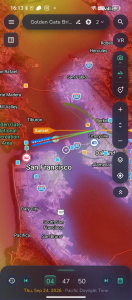
- Desktop planning: build the full shot at home (location, pins, date/time, alignment, focal length, composition).
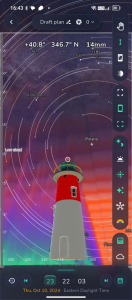
- Mobile polish: take that plan into the field and refine it with the AR viewfinder / VR tools.
- Sun, Moon, Milky Way, star trails, aurora, photorealistic VR / 3D, clouds, light, elevation, and composition.
- Closed captions on every lesson.
- Lifetime download access with updates.
- Resources and checklists from my own planning workflow.
What you’ll learn
- Why planning in PlanIt Earth saves failed shoots.
- Navigation and setup, from first screen to advanced tools.
- How to build a complete plan on your desktop, then finish it on your phone.
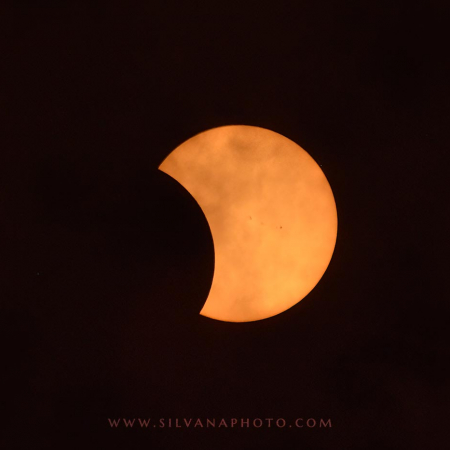
- Sunrise and sunset, moonrise and moonset, Milky Way, star trails, meteor showers, eclipses, and aurora.
- Focal length, depth of field, and composition before you leave home.
- Cloud, light pollution, weather, and elevation in the plan.
- Saving, sharing, and using the tools you actually need in the field.
- Connect your camera, change settings, focus, and trip the shutter, all from PlanIt Earth.
Who it’s for
- New PlanIt Earth users.
- Photographers moving from PlanIt! Pro to Earth.
- Anyone who wants to plan on a big screen and finish the plan on their phone.
Landscape, astro, travel, and nature photographers at any level. No prior Earth experience required.
What you need
PlanIt Earth and PlanIt 3D Model. Use PlanIt Live in the field if that is part of your setup.
This course is for the new app, not the original PlanIt! Pro.
Course format
Self-paced videos and materials (about a 4-hour intensive, broken into short lessons). Watch offline on any device.
 Silvana Della Camera
 Silvana Della Camera